PUBG Mobile | Gaming Guides
PUBG Mobile UC: The Complete Guide to In-Game Currency and Top-Ups
If you play PUBG Mobile, you have probably heard of UC. This in-game currency gives players access to a wide range of digital content, including outfits, weapon skins, Royale Pass rewards, crates, and special offers. In this guide, we will explain how PUBG Mobile currencies work, what you can buy with UC, how UC differs from BP, and what to know before purchasing a top-up.
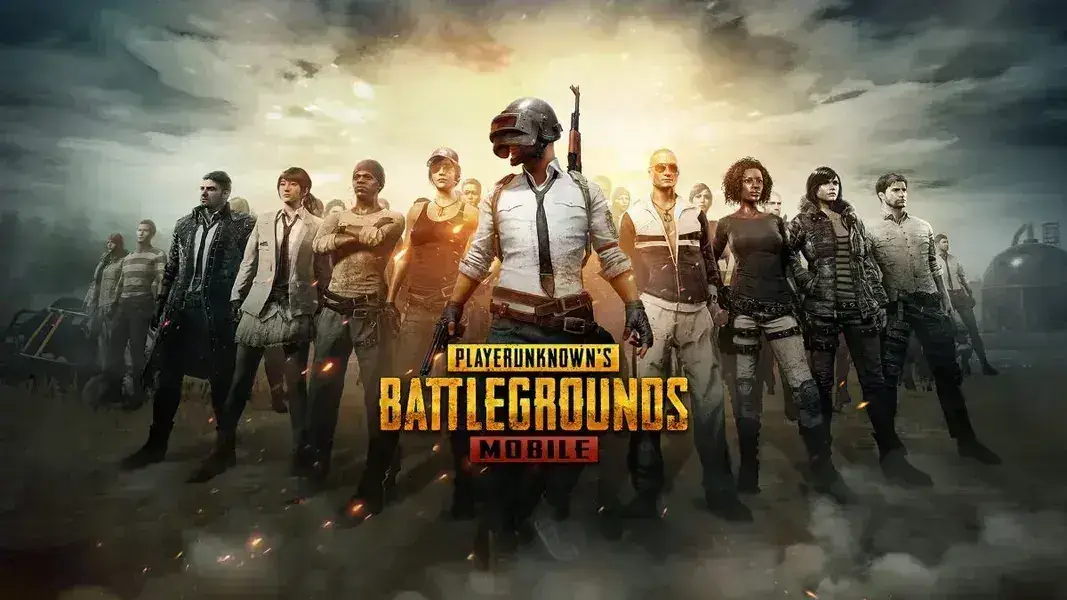
What Is PUBG Mobile UC?
UC stands for Unknown Cash. It is the main premium currency in PUBG Mobile, allowing players to purchase a variety of digital content through the in-game store and access selected offers and features.
UC gives players more ways to customize their accounts and characters, unlock cosmetic items, and access certain rewards and content that require this currency.
UC is not required to play or win matches. You can enjoy the core PUBG Mobile experience without purchasing it, but UC provides additional customization options and access to premium content.
Does UC Give You a Gameplay Advantage?
No. UC is mainly used to purchase cosmetic content, items, and offers. It does not directly improve your combat abilities or guarantee victories. Player skill and gameplay strategy remain the most important factors.
What Can You Buy with PUBG Mobile UC?
UC can be used for a variety of purchases in PUBG Mobile. Some of the most popular options include:
Royale Pass
Progress through seasonal levels and unlock rewards such as outfits, skins, and exclusive items, depending on the pass type and season.
Outfits and Character Skins
Customize your character with different outfits, appearances, and cosmetic options available in the game.
Crates and Lucky Draws
Some crates contain randomized rewards, including outfits, accessories, and different skins. Contents and item probabilities vary by crate.
Weapon Skins
Get unique weapon designs, including certain upgradeable skins that offer additional visual effects and customization features.
Events and Special Offers
PUBG Mobile features limited-time events and offers that may allow you to obtain special items using UC, depending on each event's requirements.
Accessories and Vehicle Cosmetics
Customize your character, vehicles, and other eligible in-game items with additional cosmetic designs and accessories.
What Is the Difference Between UC and BP in PUBG Mobile?
PUBG Mobile features different types of currencies and in-game resources. UC and BP are two of the most commonly discussed currencies, but they serve different purposes.
UC
Unknown Cash
Premium currency used for many in-game purchases, including Royale Pass options, items, crates, and eligible offers.
BP
Battle Points
Points earned through gameplay, missions, and rewards. They can be used for selected items and features within the game.
Note: Currency rewards and available uses may change with game updates. Check the in-game store for the latest options.
How Can You Get PUBG Mobile UC?
There are several ways to obtain UC. The available options depend on your country, platform, and supported payment methods.
1. Purchase UC In-Game
You can purchase UC through the available buying options in PUBG Mobile using payment methods supported in your region.
2. Top Up Through Digital Stores
Some digital stores offer PUBG Mobile UC top-up products. The delivery process varies by provider, and certain services may use your Player ID instead of requiring account login details.
3. Events and Rewards
Some official events and promotions may offer currency-related rewards or other content without a direct purchase, depending on the event's conditions.
4. Gift Cards and Supported Payment Options
Depending on your region and platform, certain gift cards or digital balances may be used for eligible purchases related to the game.
How to Top Up PUBG Mobile Using Your Player ID
Some digital stores offer UC top-ups using your Player ID. This method can allow the currency to be delivered to your game account without necessarily sharing your account password with the store.
General Steps for an ID-Based Top-Up:
1. Open PUBG Mobile
Log in to your account and open your player profile.
2. Find Your Player ID
Locate your account's Player ID and copy the complete number accurately.
3. Choose Your UC Package
Select the UC package you want from the product page.
4. Enter Your Order Details
Provide the requested Player ID and double-check the information before completing your purchase.
5. Check Your UC Balance
After the order is processed, open the game and confirm that the UC has arrived in the correct account.
Important: Always verify your Player ID and region before payment. Never share your account password or verification codes with anyone.
How Much PUBG UC Should You Buy?
The right amount depends on what you want to purchase in the game. If you have a specific item in mind, check its price first and choose a package that covers your needs.
Tips Before Buying UC:
• Decide which item or offer you want to purchase.
• Check the item's price in the in-game store.
• Compare the available UC packages.
• Choose a package that fits your budget.
• Review the product details and delivery method before placing your order.
Important Tips for Buying PUBG UC Safely
When purchasing UC from a digital store, make sure your order details are accurate and that you understand the delivery process. This can help prevent common mistakes and delays.
• Double-check your Player ID before completing the purchase.
• Select the correct UC package.
• Read the product description and service terms before payment.
• Never share your account password or verification codes.
• Keep your order number and payment confirmation.
• Contact the store's support team if you experience a delivery issue.
Frequently Asked Questions About PUBG Mobile UC
What is UC in PUBG Mobile?
UC is the premium currency in PUBG Mobile. It can be used to purchase Royale Pass options, outfits, skins, crates, special offers, and other available in-game content.
What is the difference between UC and BP?
UC is premium currency used for many in-game purchases, while BP is earned through gameplay and missions and can be spent on selected in-game options.
Can I top up PUBG Mobile using only my Player ID?
Some top-up services allow UC to be delivered using your Player ID. The exact requirements depend on the delivery method and the store's terms.
Do I need to provide my account password to top up UC?
Some top-up methods require only your Player ID and do not need your password. Check the product's delivery instructions and never share login credentials or verification codes.
Can I use UC to purchase the Royale Pass?
Yes. UC can be used to purchase eligible Royale Pass options, depending on the pass type, season, and options currently available in the game.
Can I transfer UC to another player?
Direct transfers of UC balances between player accounts are generally not available. Gifting options depend on the items and features supported by the game.
What should I do if my UC does not arrive after purchase?
First, verify your Player ID and order details, then check your UC balance in the game. If the currency has not arrived, contact the store's support team and provide your order number and payment confirmation.
Top Up PUBG Mobile UC at Kazakan
Looking to add more UC to your account? Choose your preferred package from Kazakan's product page, enter your Player ID according to the order instructions, and complete your purchase.
Top Up PUBG UC Now
Explore digital products at Kazakan
Official Resources
For official information about the game, updates, and account policies, visit the following resources: